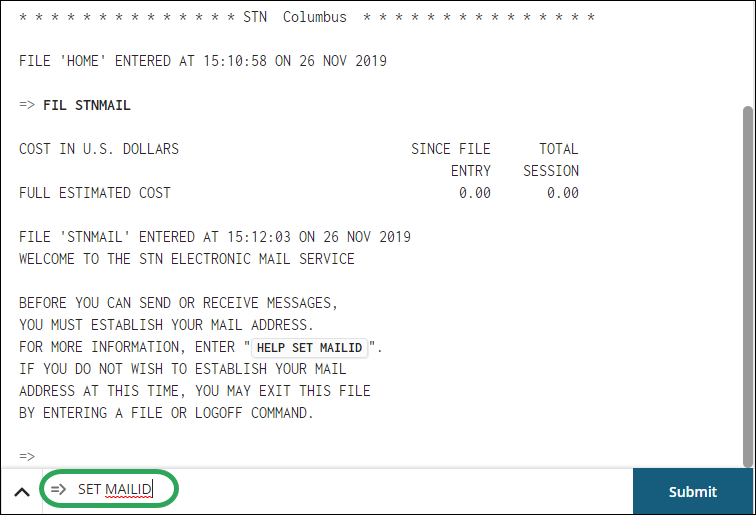
At the command prompt, enter FIL
STNMAIL, and then click Submit
or press Enter.

Enter SET MAILID,
and then click Submit or press
Enter.
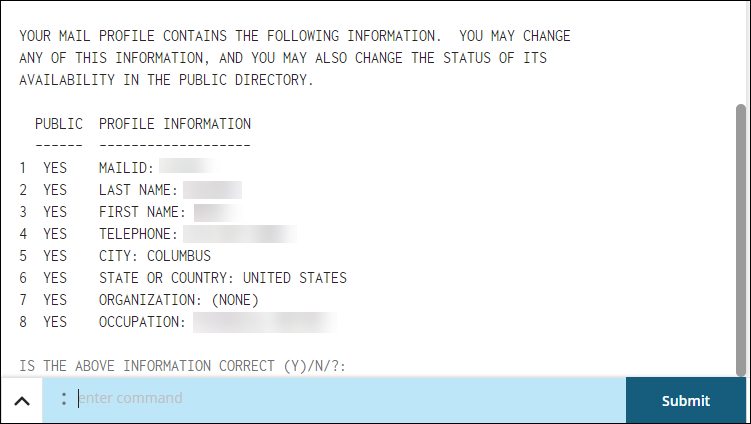
Enter the requested information at each prompt.

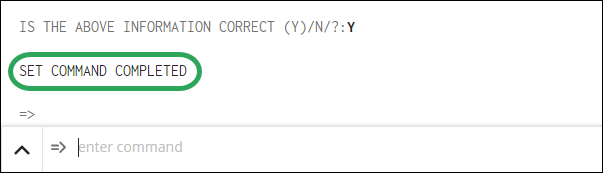
You will then be asked to confirm the information
you entered; enter Y to confirm
and finish or N to edit.