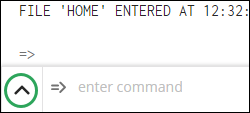
 ) in
the lower left-hand corner of the main STNext window to access the Author,
Subject,
and Organization
search assistants:
) in
the lower left-hand corner of the main STNext window to access the Author,
Subject,
and Organization
search assistants:Click the arrow () in
the lower left-hand corner of the main STNext window to access the Author,
Subject,
and Organization
search assistants:
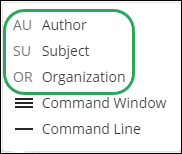
Enter an author name and click the Submit button to display an EXPAND select list.

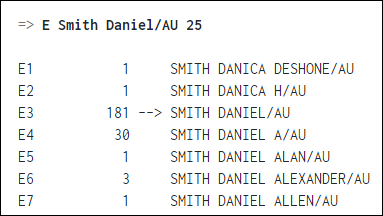
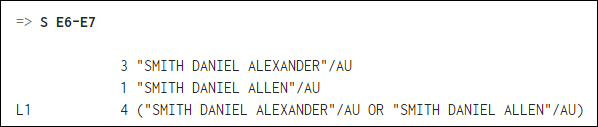
Search applicable E-numbers on the Command Line.
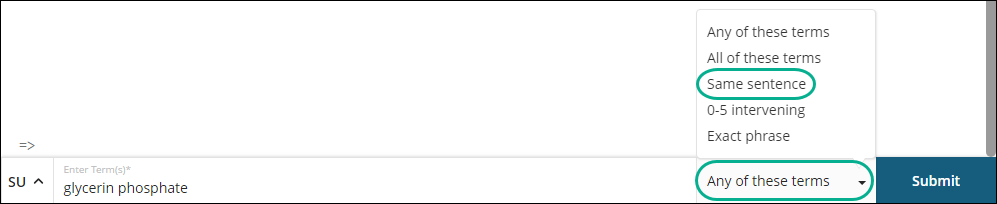
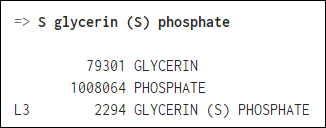
Enter a subject term, select a matching condition, and click the Submit button to help build search query proximity.
Enter an organization/source, and then click the Submit button to search with proximity in the Corporate Source (CS) field.

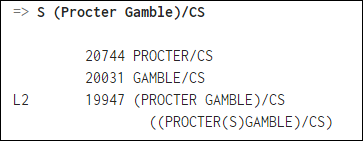
The CS field also searches the Patent Assignee (PA) field.